I wanted a browser terminal at terminal.mrkaran.dev that works from laptop, tablet, and phone without special client setup.
The stack that works cleanly for this is ttyd + tmux.
Architecture#
Browser -> Caddy -> ttyd -> nsenter -> su - karan -> tmux(main)Two decisions matter most:
ttydhandles terminal-over-websocket behavior well.-m 1enforces a single active client, which avoids cross-tab resize contention.
Docker Compose (current)#
services:
  webterm:
    image: tsl0922/ttyd
    container_name: webterm
    restart: unless-stopped
    command: >
      ttyd
        -W
        -p 8080
        -m 1
        nsenter
        -t 1
        -m -u -i -p
        --
        su - karan -c
        "tmux new-session -A -s main"
    privileged: true
    pid: "host"
    networks:
      - public_proxy
Why each flag matters:
-W: writable shell-p 8080: matches my existing Caddy upstream (webterm:8080)-m 1: one active client only (no resize fight club)nsenter ...: real host shell from inside the containersu - karan: correct login environment and tmux config loadingtmux new-session -A -s main: persistent attach/re-attach
Caddy#
terminal.mrkaran.dev reverse proxies to webterm:8080 with TLS via Cloudflare DNS challenge.
Because ttyd uses WebSockets heavily, reverse proxy support for upgrades is essential.
tmux profile for agentic workflows#
I tuned tmux for long-running agent sessions, not just manual shell use.
Long-run defaults#
history-limit 200000remain-on-exit onwindow-size latestmode-keys vi/status-keys vi
Better operational visibility#
- status line shows host + session + path + time
- pane border shows pane number + current command
- active pane is clearly highlighted
Keybinds I actually use#
Prefix: Ctrl-b
S: create/attach named sessionN: create named windowR: rename windows: session/window pickery: togglesynchronize-panesh/j/k/l: pane movementH/J/K/L: pane resize
Copy/paste that is not annoying#
This was a big pain point, so I added both workflows:
-
Browser-native copy
Ctrl-b mto turn tmux mouse off- drag-select + browser copy shortcut
Ctrl-b mto turn tmux mouse back on
-
tmux copy mode
Ctrl-b [enters copy mode and showsCOPY MODE ONvselect,ycopy (showsCopied selection)qorEscexits (showsCOPY MODE OFF)
On mobile, ttyd’s top-left menu (special keys) makes prefix navigation workable.
Security model#
This is tailnet-only behind Tailscale. No public exposure.
Still, the container has privileged: true and pid: host, which is a strong trust boundary.
If you expose anything like this publicly, add auth in front and treat it as high-risk infrastructure.
Result#
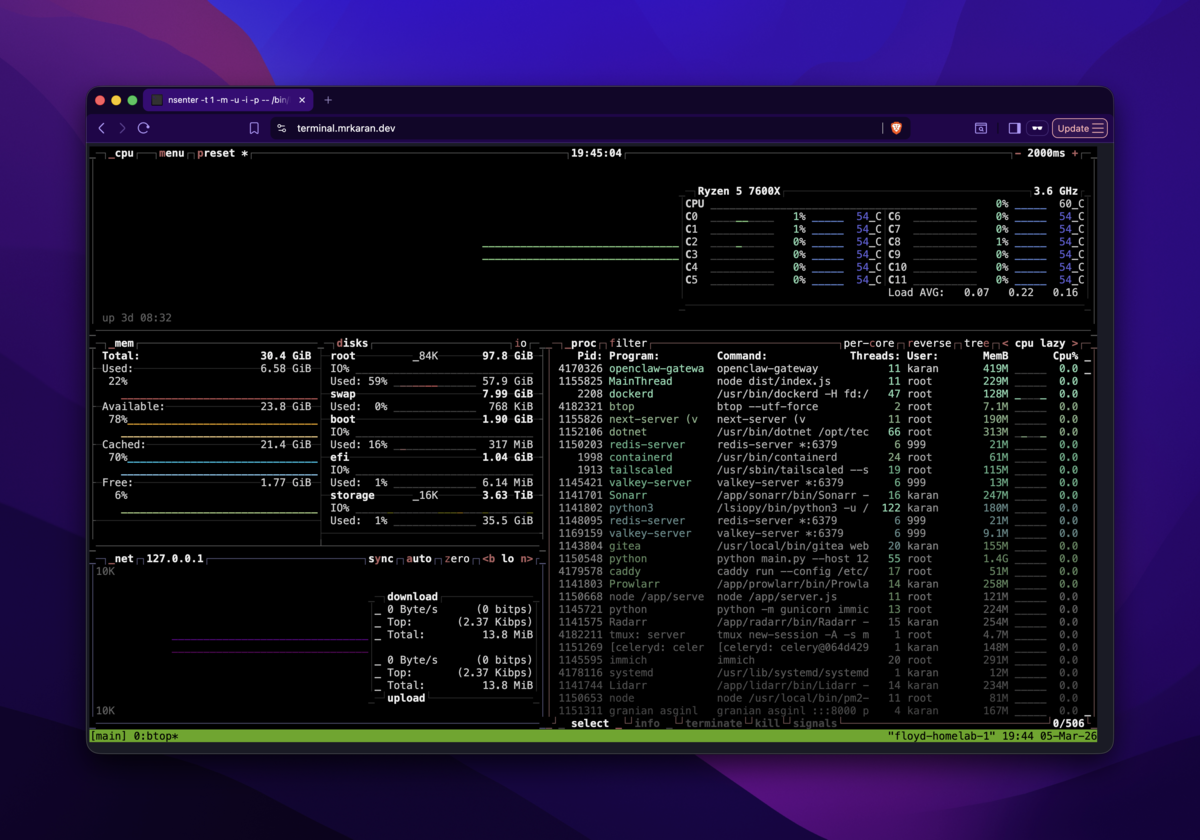
The terminal is now boring in the best way: stable, predictable, and fast to reach from any device.
